Why dashboards get a glance
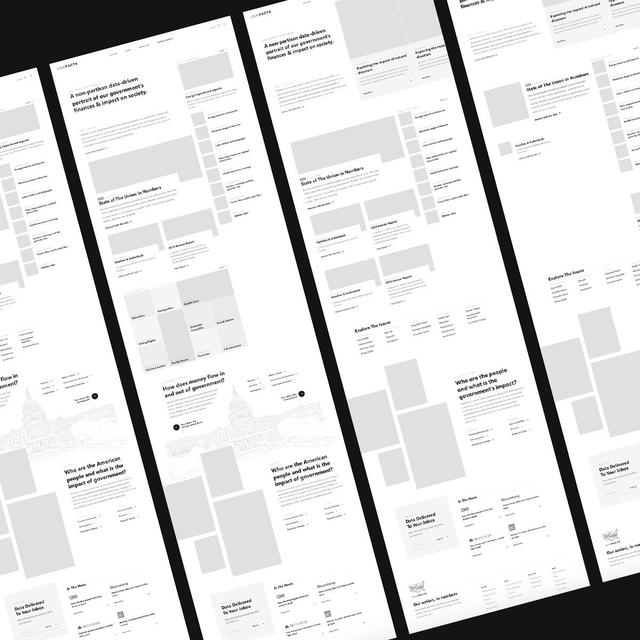
Dashboards often get built, shared, glanced at and forgotten: they present everything and explain nothing, leaving each reader to work out what matters. Few have the time.
What counts as a data product
- Public data platforms that help citizens, customers or members understand complex information.
- Internal dashboards giving teams and leaders a live view of performance.
- Recurring reports that summarize a period and explain what changed.
- Interactive explainers that let people explore data and see how it responds.
- Decision tools like calculators, simulators and scenario planners.
- Embedded insights inside other products, like a status summary on a project page.
Editorial before technical
The most important decisions in a data product are editorial:
- Pick the findings that matter. Readers can usually act on one to three; fifty charts leave the analysis to them.
- Explain them plainly. A sentence saying what happened and why beats a chart that has to be decoded.
- Keep the detail available without cluttering the main view.
- Show change and context. Against last month, a target or peers, a number tells a story.
- Suggest the next step where the data supports one.
Designing for understanding
Charts are only one form of information design. We think about:
- The right form for the question. Trends, comparisons, distributions, parts of a whole and geography suit different forms; sometimes a sentence or one large number does it.
- Honest scales and baselines that don’t exaggerate or hide what’s happening.
- Accessibility. Meaning isn’t carried by colour alone, charts have text alternatives, and the underlying numbers are available.
- Exploration. Filtering and drilling down on any device, for people who want to answer their own questions.
Public data raises the bar: people need to trust it, understand it without training and find what’s relevant quickly, with the full table there for anyone checking the numbers.
Automate the assembly first
In many organizations, reporting is mostly assembly: exporting from several systems, pasting into spreadsheets, building and formatting charts, which eats the time understanding needs.
So we automate it first: data flows into one place, is cleaned and combined, and updates on its own. The effort then goes into what the data says and how to show it.
Where AI helps
AI helps with:
- Drafting summaries of what changed, for a person to review and refine.
- Answering questions in plain language, grounded in the actual numbers.
- Spotting anomalies and changes worth attention.
- Tailoring views for different audiences from the same data.
Summaries are checked against the data, and a person decides which findings matter.
Technology
We build on modern web frameworks connected to data warehouses, databases or APIs, with charting tools chosen for the interactivity needed. A separate data layer lets the same data feed dashboards, reports and other tools.
Starting from the decision
- Start with the decisions people need to make, then work back to the data.
- Prototype views with real data early. What looks good with sample data often falls apart with real numbers.
- Automate the pipeline, then refine the presentation with the people who’ll use it.
- Plan for maintenance as data sources change.