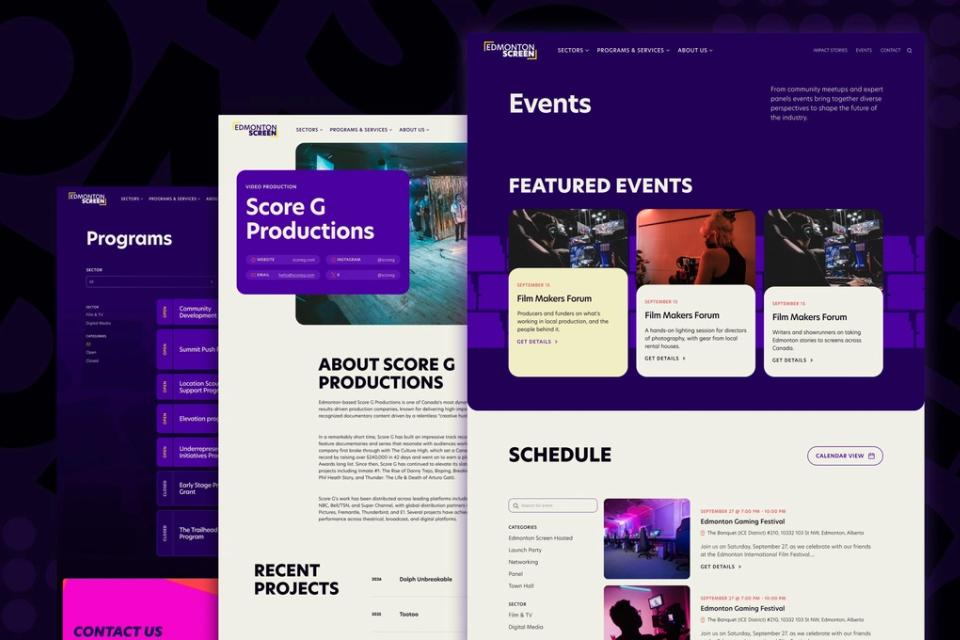
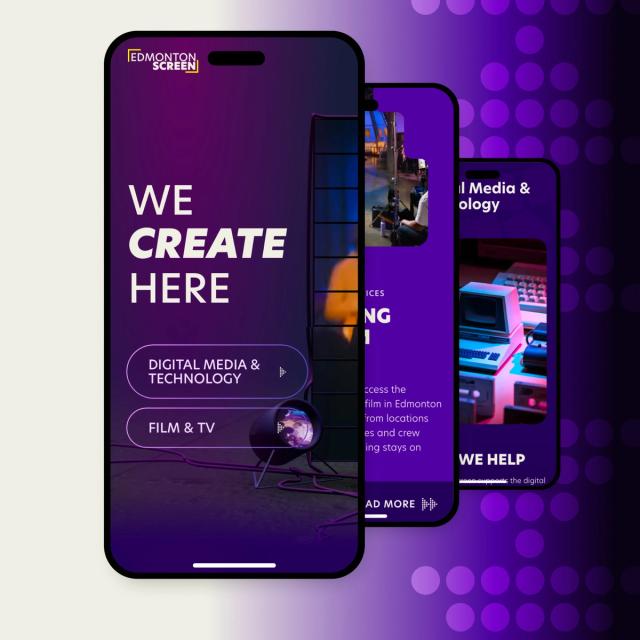
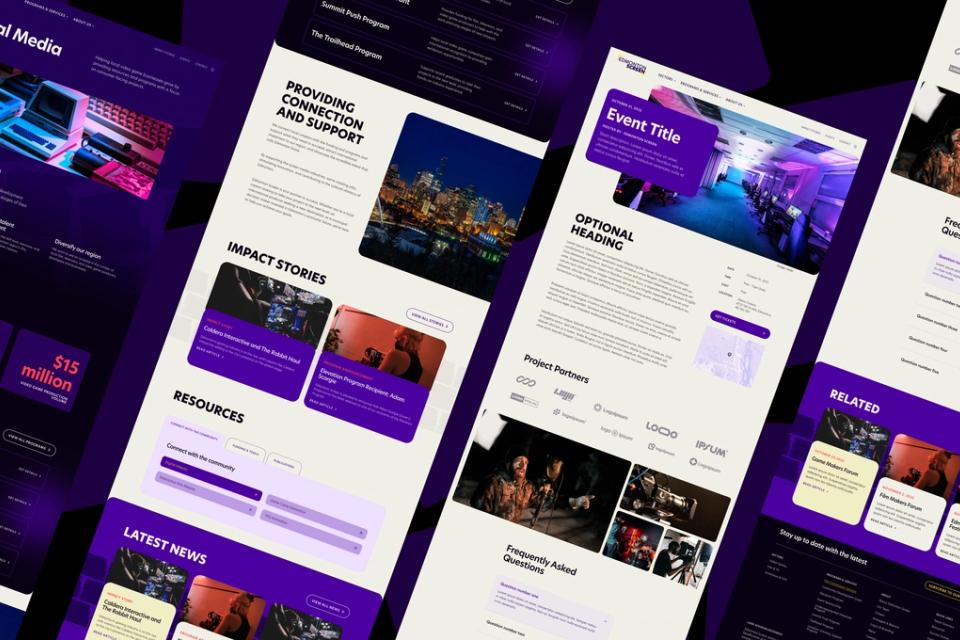
What this discipline covers
If UX architecture is a product’s structure, interface and interaction design is its surface and behaviour. It covers:
- Layout. How each screen is arranged and what’s most prominent.
- Controls. Buttons, forms, menus, filters: everything someone uses to act.
- Feedback. Confirmation, progress, errors and success.
- States. Every screen empty, loading, full, broken or restricted.
- Content. The words, from headings to button labels to error messages.
- Motion. Transitions that show cause and effect and keep people oriented.
- Responsiveness. Layouts that work on the devices that matter.
What makes an interface good
What separates interfaces that work from ones that frustrate:
- Clarity. It’s obvious what each screen is for and what to do next.
- Calm. Stressful processes come in steps small enough to hold in your head.
- Forgiveness. Mistakes are easy to spot and undo, and errors say how to fix them.
- Consistency. Similar things look and behave the same, so people learn the product once.
- Speed. The interface responds immediately, even when the work behind it takes longer.
- Respect. It doesn’t nag, trick or bury important information.
These qualities matter most when the subject is difficult: a legal process, a health decision, a financial commitment. There, a calm, clear interface can change how someone feels about the whole experience.
Accessibility from the start
Where a project calls for accessibility, and on the web it usually does, we build it in from the first sketch:
- Readable type and sufficient colour contrast.
- Keyboard use and labels that screen readers can describe.
- Plain language, with jargon explained or avoided.
These choices help everyone, including someone squinting at a phone in bright sun. For public institutions and national audiences they’re essential.
Designing every state
Interface design often shows only the ideal case, but real products spend much of their time empty for new users, loading on slow connections, showing errors or restricted by permissions.
We design those states deliberately: an empty screen that says where to start, a loading state that shows progress, an error that’s specific and helpful. Product quality is often decided here, and it’s where unspecified AI-generated interfaces are weakest.
The interface as specification
When AI coding tools write the front end, the interface design is the brief they follow most closely. A clear design gets followed; a vague one gets filled in with generic defaults, the same rounded card and blue button everyone else gets.
So we design with the build in mind: design-system components, every state specified, behaviour described, real content in place. The build then needs much less correction.
From sketch to detailed design
- Sketch the key screens, often as rough interactive prototypes. People react differently to something they can click.
- Test with real users on the tasks that matter most, and refine from what they do.
- Move to detailed design within the product’s design system.
- Work with developers throughout, ours or yours, so the build matches the design.
Pattison ID’s Journey platform is one example: the UX and UI planning, design and front-end code were ours.