What UX architecture covers
UX architecture, often called information architecture, goes unnoticed until it fails. It covers:
- Organization. How content and features are grouped, labelled and related.
- Navigation. Menus, links, search and filters.
- Paths. The routes each audience takes, from first visit to completed task.
- Hierarchy. What matters most on each page and in the product as a whole.
- Content structure. Reusable content types a CMS can manage and a team can keep current without developers.
Why structure comes before style
People judge a site by how it looks, but their frustration usually comes from structure: they can’t find what they need, labels don’t match how they think, or a simple task takes too many steps. Restyle a tangled structure and you get the same confusion in a newer typeface.
Large sites compound the problem. Content accumulates over years, department by department, until the structure mirrors the org chart. Editors copy pages they can’t find, the copies drift apart, and search ends up doing navigation’s job.
Principles we design by
- Group content the way users think, with labels and categories in the audience’s own words.
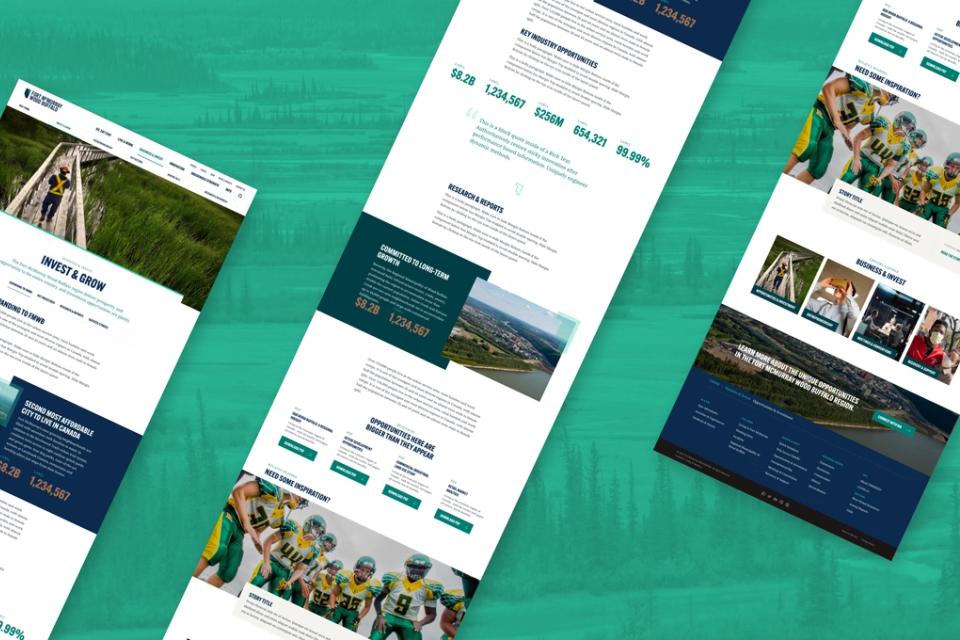
- Give each audience a clear path. Investors, creators, residents, students and staff each need their own way in, without duplicated content.
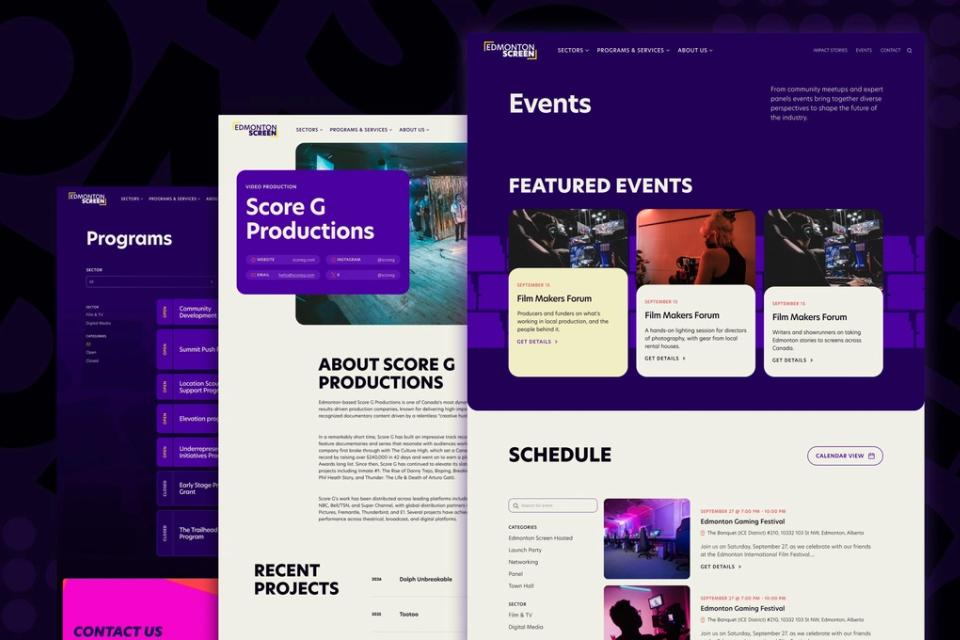
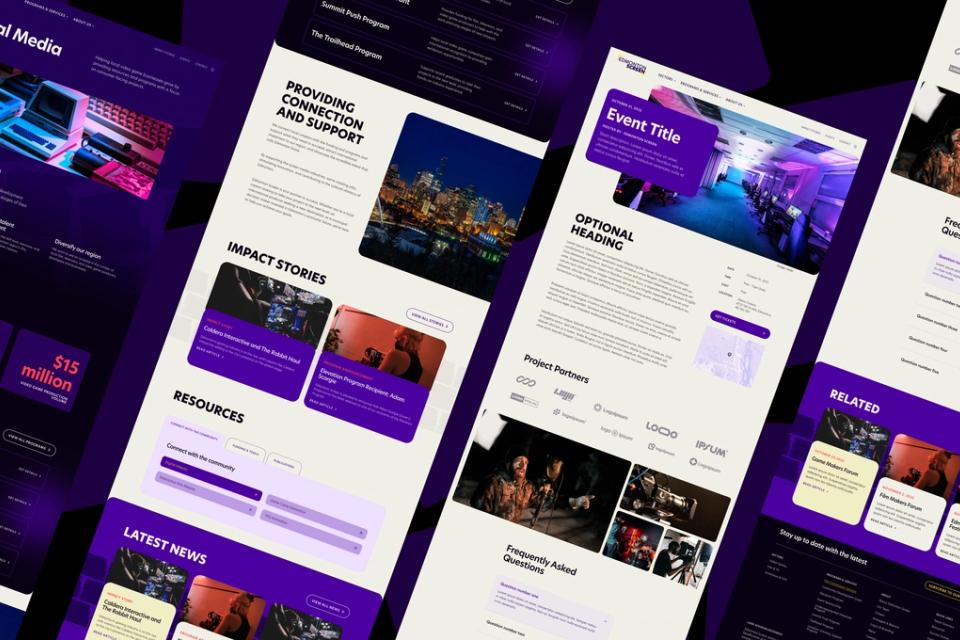
- Add context before the click. Short descriptions, status indicators and previews say what’s behind a link.
- Show status at a glance. Open or closed, available or full: visible without digging.
- Connect related content. Every page leads somewhere useful: related programs, events, stories or next steps.
How we do it
Based on research and testing, the work usually includes:
- A content inventory. What exists, how it’s used, and what should stay, merge or go.
- Audience and task mapping. Who comes, what they’re trying to do, and how often.
- Card sorting and tree testing. How people naturally group content, and whether they can find things in a proposed structure.
- Sitemaps and flow diagrams. The structure and key paths, simple enough for everyone to review.
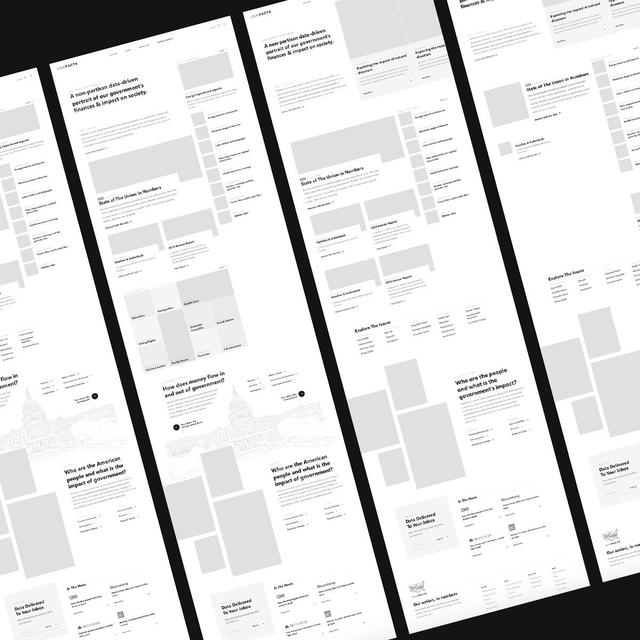
- Wireframes and prototypes. Rough layouts and clickable versions that test the structure in context.
- A content model. The structured types (programs, locations, people, events) the CMS is built around.
Where we can, we test the structure with real users before visual design begins. What makes sense to the project team can still confuse the people it’s for.
Architecture and AI
Search engines and AI assistants increasingly answer questions about organizations from their websites. Clear pages, sensible headings, consistent labels and properly modelled content get represented accurately; a tangled site gets summarized badly, or skipped.
Good UX architecture now serves two audiences, people and the systems reading the site on their behalf, and the same principles help both.
Large and complex organizations
We’re comfortable with large, multi-audience organizations: national institutions, research bodies, public agencies and regional organizations with many departments. The work often means merging several sites into one, reconciling competing priorities and building structures that survive the next reorganization.
Designed with the editors
We involve the site’s editors from the first content inventory. An architecture only lasts if they can work within it long after launch.