What a CMS does
A CMS is the part of the site staff touch most. A good one makes publishing easy and safe. A poor one makes every update a chore, pushes editors into workarounds and slowly wears down the site.
Traditional and headless
A traditional CMS bundles content and presentation: content lives in pages, wrapped in the site’s templates. Many older platforms work this way, often with dozens of plugins.
A headless CMS stores structured content (a program, a location, an event, an answer to a common question), each type with defined fields. The website is one reader; an app, a kiosk, a partner’s site, a newsletter or an AI assistant can be others, and one change shows up in all of them.
Why we usually recommend headless
For content-heavy sites, headless brings:
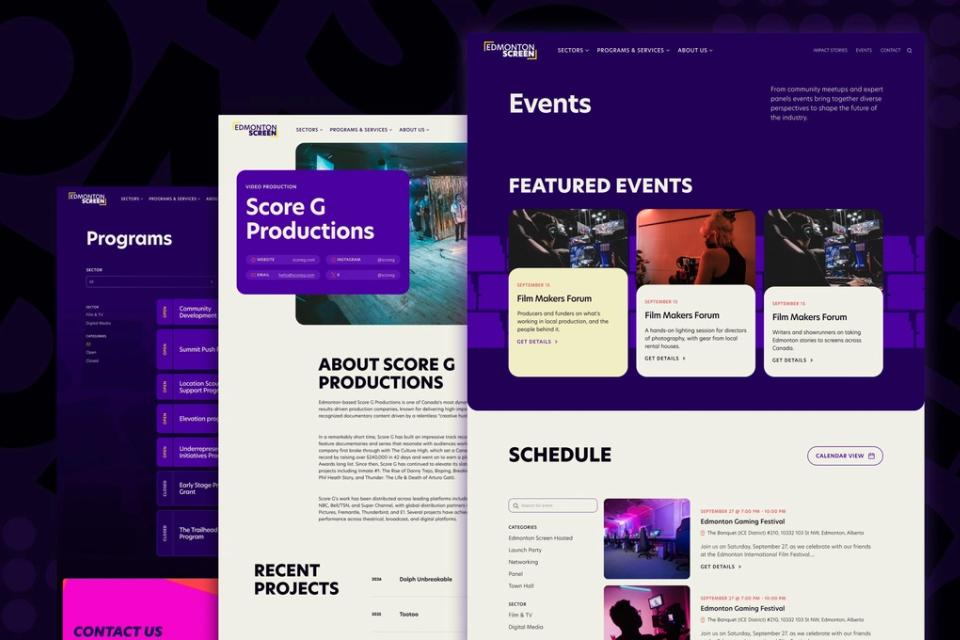
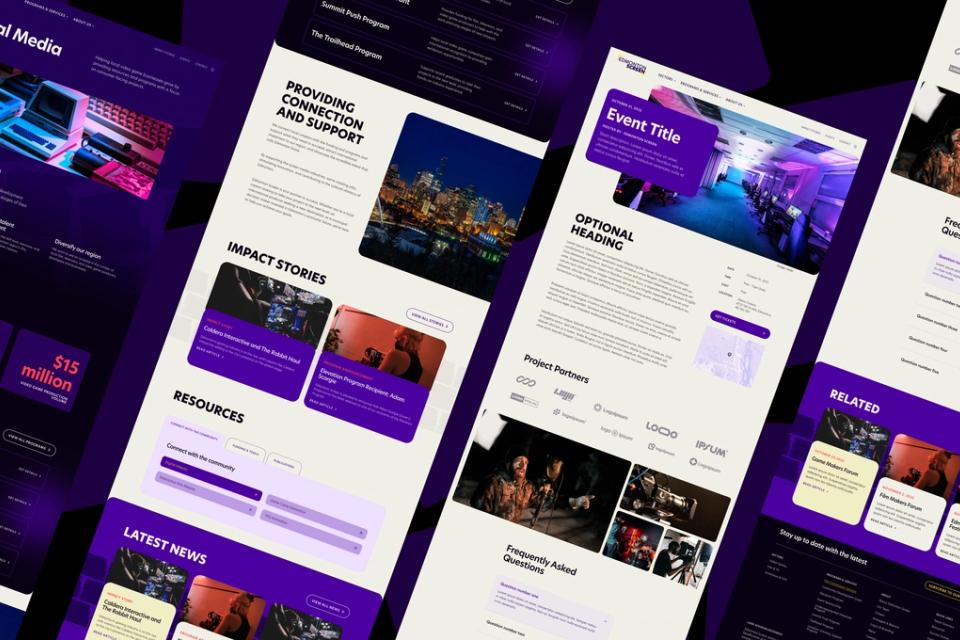
- An editing experience built for your team: fields for the things they publish, with guidance and validation, in place of a generic page builder.
- Reusable content that appears wherever it’s needed without copying, so it doesn’t drift out of date.
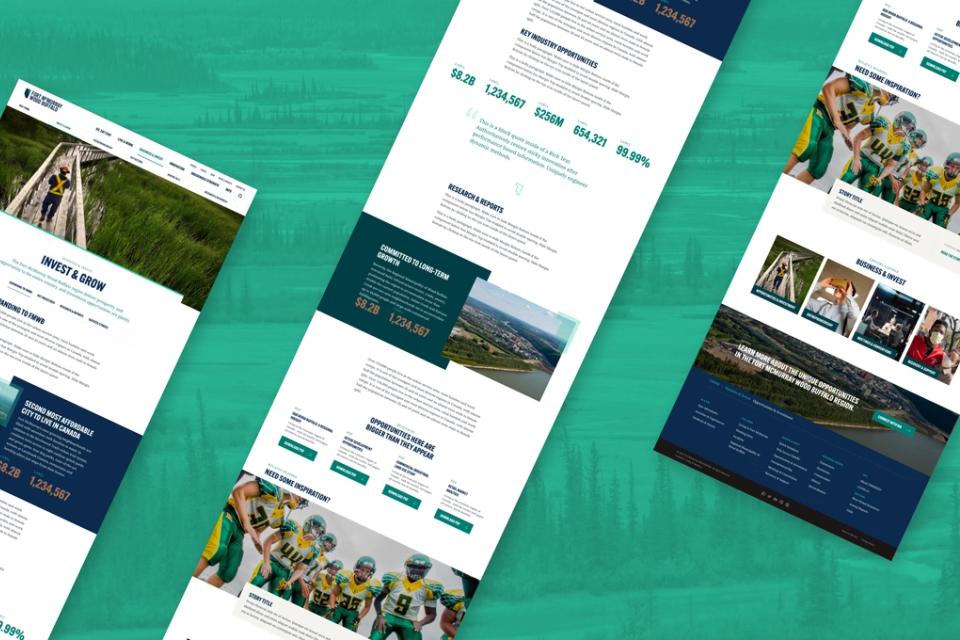
- Freedom in the front end: fast, modern, accessible front ends that look like anything, without fighting a theme.
- Performance and security: no pile of plugins to maintain, and a public site served fast from the edge.
- Readiness for AI. AI is increasingly how content gets read and used: assistants answer from it, search summarizes it, AI features draw on it. Structured content is what they read well, so a well-modelled site is represented accurately far beyond its own pages.
- A platform that keeps up, connecting well to other systems and AI tools, so adding a channel or integration later is a smaller job.
Sanity, Storyblok and Webflow
Our most common choices:
- Sanity is flexible and developer-friendly: a customizable editing studio, real-time collaboration and strong APIs, including good support for AI tooling. It suits complex content models, custom workflows and tailored editing.
- Storyblok has a visual, component-based editor many marketing teams find intuitive. It suits teams that want to see pages as they build them.
- Webflow lets a team change layouts and pages without developers. It suits simpler marketing sites the team will fully own; for content-heavy platforms, applications or deep integrations, we usually recommend headless.
Our current default is Sanity with a Next.js front end. We choose others when the content, the team or the long-term plan calls for it, and the default may change as the tools do. If your organization runs on another platform, we’re glad to talk it through as part of a larger piece of work.
Content modelling comes first
How content is modelled matters more than which platform holds it. A content model defines an organization’s content types, the fields in each, and how they relate.
A good model:
- Reflects how the organization works and how its audiences think.
- Keeps layout decisions out of content, so the same content works in different places and designs.
- Includes the guidance editors need, so quality holds up when many people publish.
- Is designed to change as the organization grows.
We model content before designing templates, because templates built on a weak model lock problems in.
Editorial experience
We configure the editor around your team’s workflow, approvals and previews. That can include:
- Live visual preview.
- Structured fields with helpful descriptions.
- Validation that catches mistakes before publishing.
- Scheduled releases.
- Roles that match who can edit what.
- AI help inside the editor, such as translation drafts your own people can check.
Migration
CMS projects often start from an existing system. We inventory it, decide what stays, merges or goes, and migrate into the new model. Where possible, AI does much of the cleanup and restructuring and people review the results, so the new site launches with better content than the old one.
The honest trade-off
A headless site runs on modern code. Your team edits the content day to day, and we stay on to support and develop the site. For a simple site run by a team invested in a traditional platform, a rebuild may not be the right call, and we’ll say so.