What production software means
A prototype answers a question; a tool serves a small group who tolerate rough edges. Production software is depended on, so it has to be reliable, secure and supportable as usage grows and the product changes.
Beyond the features, that means:
- Authentication and access control. Only the right people see and do the right things.
- Data handling. Stored safely, backed up and portable.
- Reliability. The product stays up, handles errors gracefully and recovers quickly.
- Security. Maintained dependencies, validated inputs and protected sensitive data.
- Performance. Fast as data and users grow.
- Accessibility. Something we build in where it’s called for.
- Observability. The team sees problems before users report them.
- Maintainability. Documented, well-structured code that we, your team or another partner can extend.
Web first, in most cases
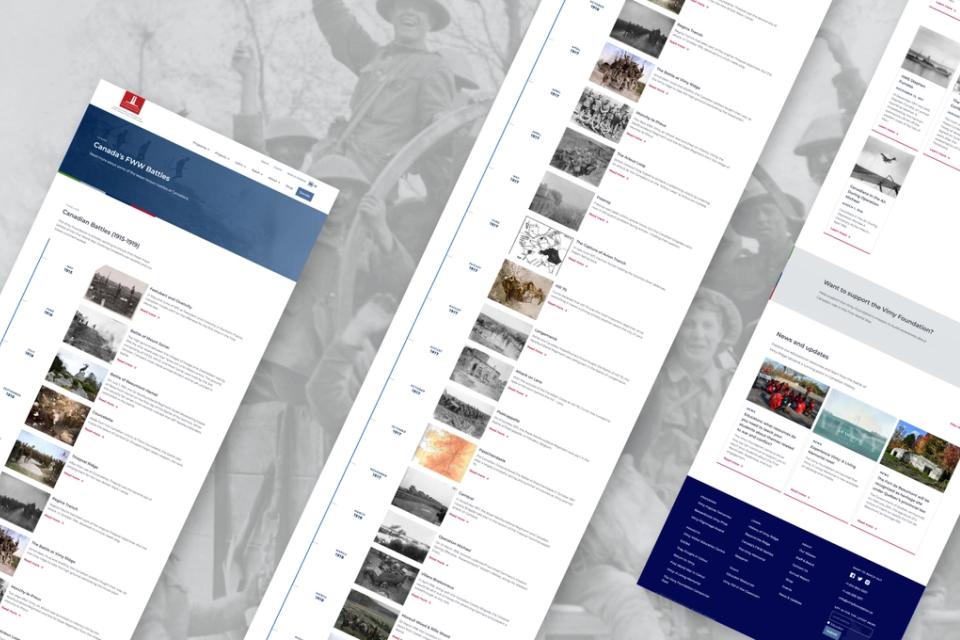
We usually recommend starting on the web: one app for any device with a browser, no app store approval, instant updates, shareable by link. Modern web apps can also work offline, send notifications and feel close to native.
Our default is Next.js, a widely used React framework with a large ecosystem, plenty of developers who know it and strong support from AI coding tools. It renders on the server for speed and search, and in the browser where interaction matters.
Native mobile, when the phone is the point
We build native apps when the phone is central to the product. The clearest signs:
- Location. Knowing where someone is, often in the background.
- Offline use. People will use it where connectivity is poor or absent.
- Daily habit. Used often enough that a home-screen icon and native performance matter.
- Device features. Camera, sensors or other hardware, used in ways the web can’t match.
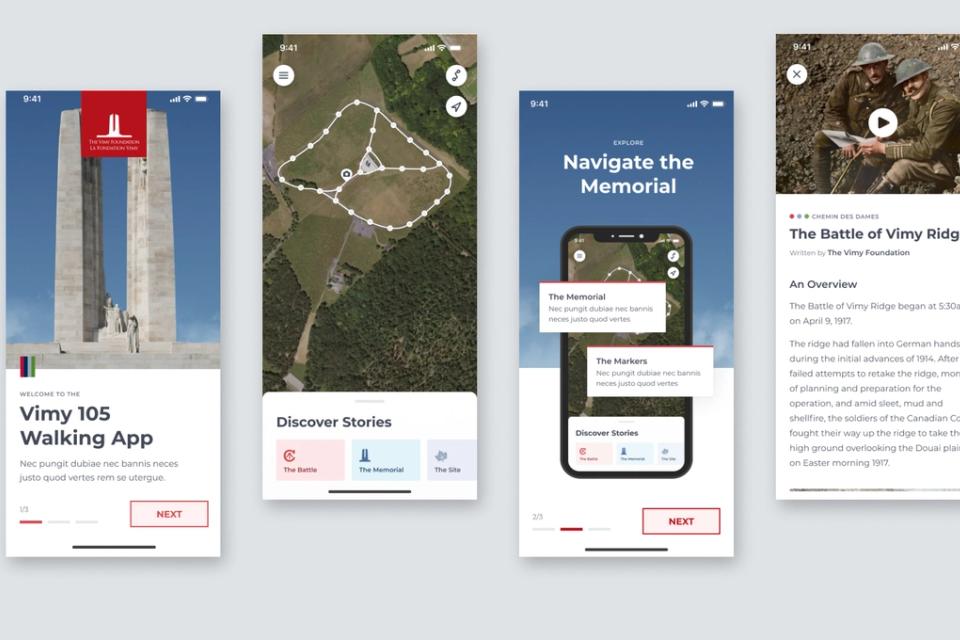
Our native default is React Native with Expo: one codebase for iOS and Android, so development and maintenance cost closer to one app than two.
Apps have real costs, though: store reviews, platform updates, and installs. For occasional use, a fast web app is usually the better choice.
Data and back end
Our default for data, authentication and file storage is Supabase, built on Postgres, a long-established open-source database, so your data stays standard and portable. Authentication, storage, real-time updates and APIs come built in, so the time goes into the product.
We choose differently when your IT team already supports a database platform, or data residency rules require specific infrastructure.
Connecting to what you already have
Applications rarely live alone: they work with CRMs, finance platforms, identity providers, content systems and data warehouses. We design those integrations in, including what flows where, how often, and what happens when a connected system is slow or down. Anything with an API can be connected.
AI inside applications
Applications increasingly ship with AI features people are starting to expect: reading documents, drafting responses, summarizing activity, answering questions from a knowledge base, routing requests. We add AI where it helps the person using the product, with clear limits, human review where it matters and a fallback when it’s uncertain, and log its work where that makes sense. When AI is the core of the product, we treat it as AI-native from the start.
Working with your team
We build applications end to end or alongside your developers. A common split: we define and design the product and build its front end; your team owns the back end, at a clean technical boundary. The people who designed the product build its front end.
We use widely known, well-documented tools, so the code is never locked to us. After launch we keep supporting and developing the application, and your team can run as much of it day to day as it wants, with us still involved.
How we build applications
Applications usually start as prototypes and grow into tools and production software as they earn investment. AI-assisted development runs through the build, with experienced developers reviewing the code it writes. Performance, security and accessibility are checked before release.