What 3D and spatial design covers
Four kinds of work, each giving information a sense of place:
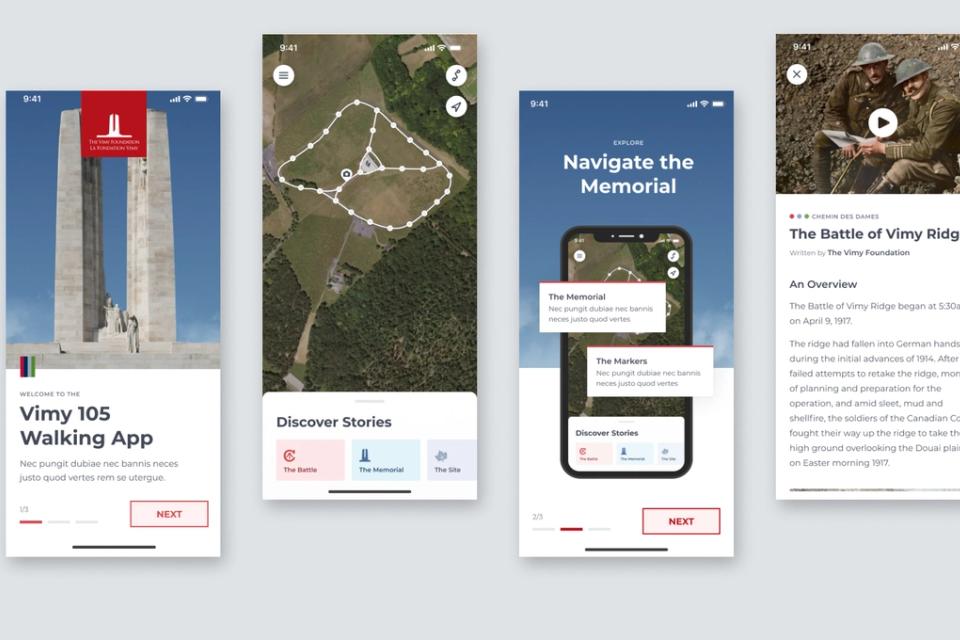
- Scenes to explore: a landscape from above, a venue before you arrive, a reconstructed historical site.
- Objects to inspect: a product to rotate, a mechanism to take apart, a building seen in section.
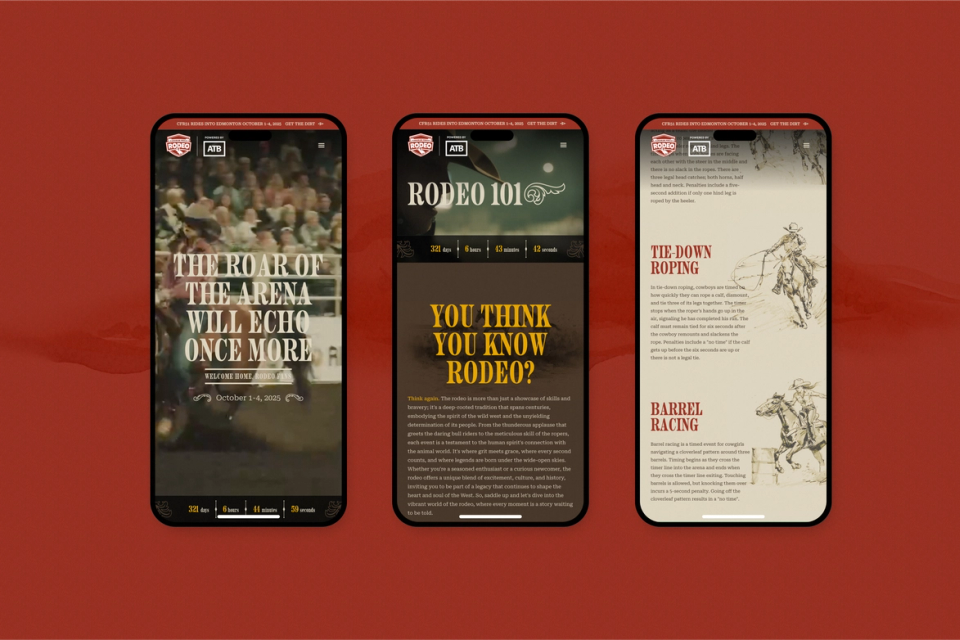
- Spaces that mix physical and digital: a route with location-triggered stories, an arena screen that responds to the crowd, an interpretive panel that opens into more.
- Graphic and brand elements built in 3D: hero visuals, motion pieces, AR filters and animated campaign assets.
In each, the person’s position, movement or interaction carries part of the meaning.
When 3D earns its place
3D costs more to make, asks more of a device, and gets in the way when someone just wants an answer.
3D tends to be worth it when:
- Spatial relationships matter. Where things sit relative to each other is the point: trails, venues, facilities, terrain.
- Form is hard to describe. A product, structure or process is clearer seen from several angles.
- Presence helps memory. Moving through something leaves a stronger impression than reading about it.
- Play invites attention. A scene that responds holds attention long enough for a message to land.
3D rarely helps with simple, repeated tasks, people in a hurry, or decoration. There, a well-designed 2D interface is faster, clearer and more accessible, and that’s what we’ll recommend.
Designing space for understanding
Spatial design borrows from architecture, wayfinding and film as much as from interface design. Our principles:
- Orient before you immerse. A clear starting view, landmarks and simple controls, so people know where they are before they explore.
- Guide attention. Light, framing, motion and scale direct the eye, so the scene tells its story in order.
- Keep the controls obvious. Navigating 3D is harder on a phone, so we design controls for the least forgiving device first.
- Offer a way out. A plain, accessible alternative for people who can’t or don’t want to use the 3D.
From model to experience
Our 3D usually begins as a Blender scene, modelled, lit and prepared there. Where it goes next depends on where the experience lives:
- Web: optimized models brought into the browser as real-time 3D, often with custom shaders so the scene responds to the user.
- Video and campaign assets: rendered sequences and stills.
- AR: assets prepared for the platforms people already use, like social camera filters.
Detail that runs on a desktop can stall a mid-range phone. So we set geometry detail, texture sizes and which effects are worth their cost early, and test on real devices as we go.
Spatial design in physical places
Some of the most interesting spatial work uses the screen as one part of a real place.
Here the place leads: screens readable in sunlight, content that survives patchy connectivity, text people can read while walking, and moments when the technology should get out of the way.
Grey box before polish
Once 3D is the right answer:
- Prototype early and roughly: a grey-box scene, a simple interaction test, a quick camera path. AI-assisted code gets these running early, and they test the idea better than detailed renders.
- Refine model, lighting, materials and interaction together, with performance and the accessible alternative in view from the first test.
- Plan for maintenance. A 3D experience nobody can update becomes a liability once its content changes.