What this covers
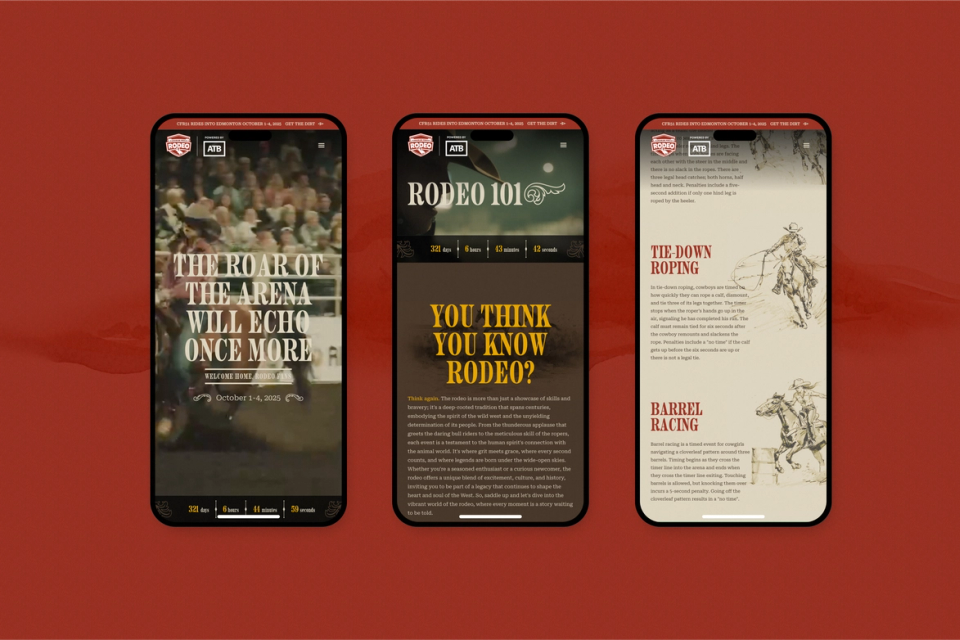
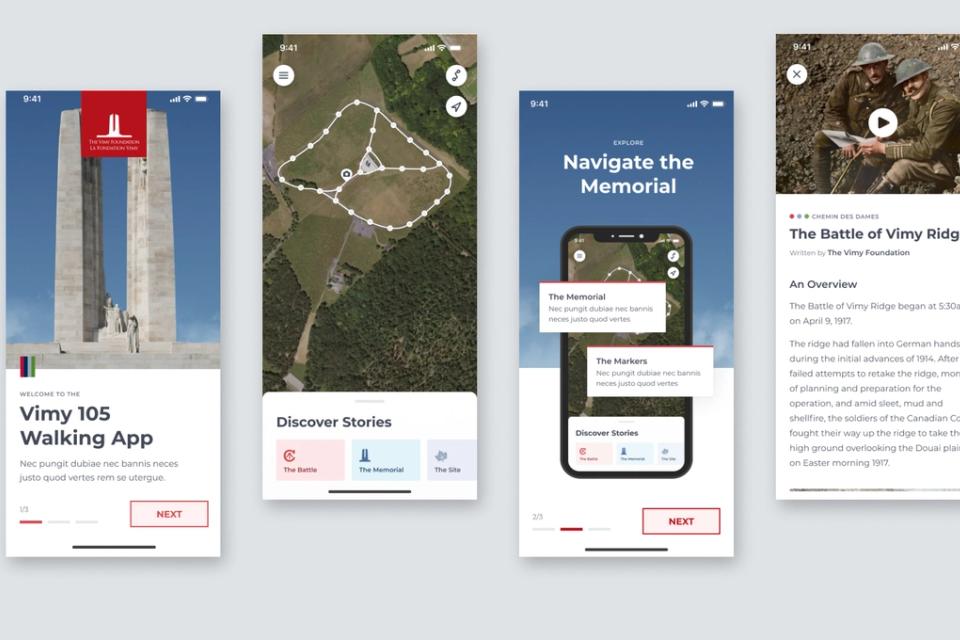
Experiences away from a desk stay with people: an arena game the whole crowd watches, a trail panel that opens a story on your phone, a lobby display that responds to people walking past.
They typically combine:
- Large and public screens: venue video boards, lobby walls, event displays.
- Location-aware mobile experiences that use GPS, QR codes or beacons to connect a place to digital content.
- Interactive stations: touch screens, kiosks and controllers people use on site.
- Sensors and inputs: cameras, motion sensors, microphones and buttons that let a space respond to people.
- Sound and light to set atmosphere or signal change.
- Printed and built elements: panels, signage and wayfinding that carry the digital layer.
Designing for real places
Real places bring constraints that shape the design from the start:
- Environment. Sunlight washes out screens, noise drowns out audio, and rain, cold and dust affect hardware.
- Connectivity. Trails, remote sites and crowded venues often have poor signal. Experiences may need to work offline once loaded, or run on local hardware.
- Movement. People walk, stand in crowds and glance between moments, so content has to read in seconds and work with one hand.
- Shared attention. A big screen has to work for a crowd watching together.
- Durability and upkeep. Public hardware gets touched, bumped and left running for months, so it has to be reliable and simple for on-site staff to manage.
- Accessibility. Different heights, abilities and languages, with alternatives for anyone who can’t use the primary interaction.
The screen as one part of the place
Installations work best when they feel like part of the place, so we design the whole visit: how someone arrives, what they notice first, how long they stay, what they remember.
As on any experience, the concept leads: we decide where digital adds to the place and where it would only distract. Sometimes the answer is one well-placed screen.
Hardware and software together
Installations often pair off-the-shelf hardware, chosen for reliability in that environment, with custom software that runs the graphics, interaction, content and data. That software is often web-based, so it’s easy to update.
Custom hardware, like a one-off controller, a sensor rig or an unusual input device, is designed and tested alongside the software. We use the simplest hardware that reliably does the job, because every extra component can fail on a busy day.
Building for the event
Many installations are tied to a live event or a season: fixed deadlines, no room for failure on the night, little time on site before doors open. So we:
- Prototype the interaction early, using AI-assisted code to get a first version running on test hardware, so the idea is proven well before installation.
- Test on the actual hardware, in conditions as close to the real venue as we can get.
- Build in simple recovery, so staff can restart the system quickly if something goes wrong.
- Keep content separate from code, so last-minute changes don’t need a developer on site.
- Plan how the experience is monitored while it runs.
We support the installations we build for as long as they run, and keep developing them as the content or the space changes.
Connecting physical and digital
The physical and digital layers support each other: a trail panel with a short story and a code that opens a longer one, a venue screen connected to a mobile experience people take home, an on-site app that keeps working after the visit and for people who couldn’t travel there.
Starting from the place
We start with the place: visiting where we can, watching how people move through it, and meeting the staff who’ll run the installation day to day. Their needs on a busy day shape the design as much as visitors’ needs do.